
Free tool
Where'd my ChatGPT traffic go?
Before you tell your boss ChatGPT traffic fell 45% in October, check this. From about Oct 8 until OpenAI fixed it around Oct 15, links in ChatGPT answers lost their tracking tag, so Google Analytics counted many of those visits as Direct. Drop in one export and see what really happened.
Your file never leaves your browser.
Get your export (about 2 minutes)
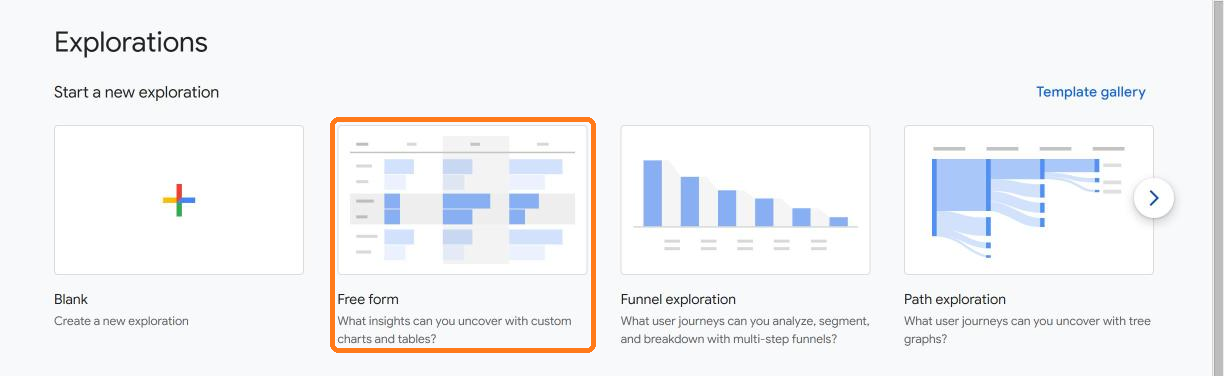
- In GA4, open Explore and start a Free form exploration.
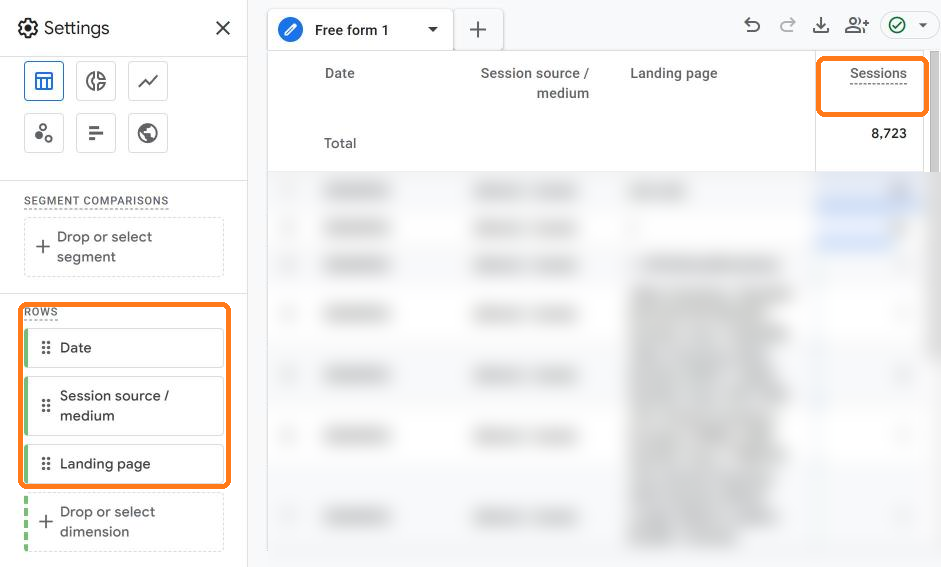
- Set it up. Set the date range (top of the Variables column) to Sep 24, 2026 through yesterday. Click + next to Dimensions and import Date, Session source / medium and Landing page; click + next to Metrics and import Sessions. Then remove the defaults GA4 adds (City, Device category, Active users) and add your three dimensions under Rows and Sessions under Values.
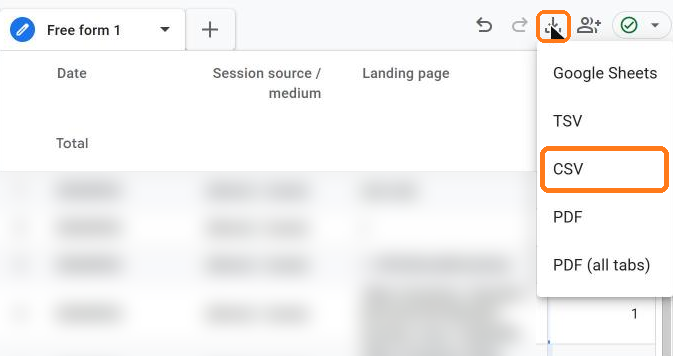
- Download it. Click the download icon and choose CSV. Don't worry that the table only shows 10 rows: the download includes all of them.
Big site? Hitting the row limit?
Add a filter: Session source / medium matches regex chatgpt|openai|\(direct\). The check still works. It just can't adjust for how the rest of your traffic moved, and it will tell you that.
Your results
OpenAI's fix date isn't confirmed. Change this if your data shows a different end.
Pages where ChatGPT fell and Direct rose
| Landing page | Expected ChatGPT | Actual ChatGPT | Likely hidden in Direct |
|---|
Paste this into your October report
Share your result
Other October data incidents to mention
How the math works
We take your daily average from Sep 24 to Oct 7 as normal, then adjust it by how the rest of your traffic moved during the bug window. On each landing page, the missing ChatGPT visits are the expected count minus what GA4 recorded, and the extra Direct visits are what GA4 recorded minus the expected count. The low estimate is the smaller of the two on each page; the high estimate assumes every missing ChatGPT visit went to Direct. That's why you get a range, not one number.
Want the next one before it breaks your report? Get Blameless, my weekly newsletter on marketing data incidents.